![VS-Logo-1.jpg]](https://support.vsware.ie/hs-fs/hubfs/VS-Logo-1.jpg?height=40&name=VS-Logo-1.jpg)
Accessing the Fire Drill Report
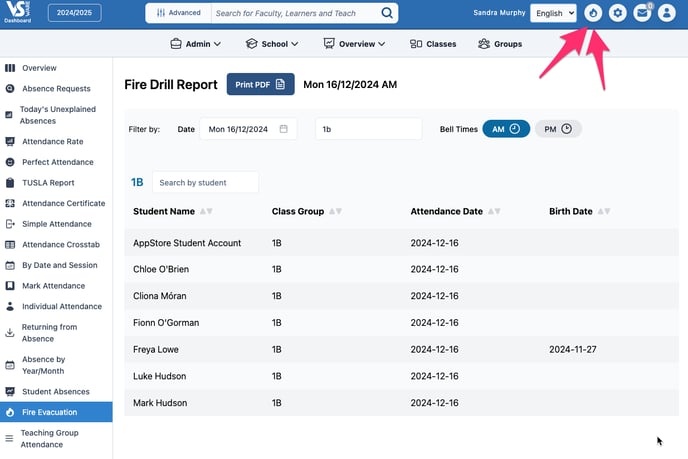
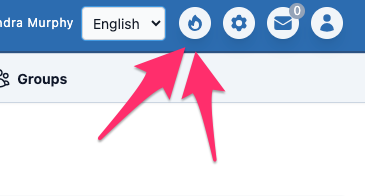
- Click the Fire Icon in the top-right corner of the screen for quick access.
Features
-
AM/PM Toggle: Use the AM or PM buttons to view the report based on the respective registers.
-
Search by Base Class: Quickly find students by their Base Class.
-
Print a Hard Copy: Use the Print PDF option to export the report as a PDF or print it directly.
This tool ensures easy organisation during a fire drill, showing students in their base classes for faster roll calls.