![VS-Logo-1.jpg]](https://support.vsware.ie/hs-fs/hubfs/VS-Logo-1.jpg?height=40&name=VS-Logo-1.jpg)
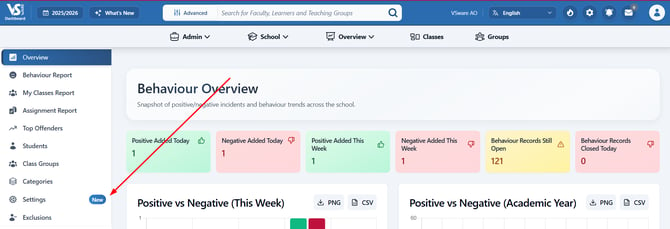
> Overview
> Behaviour
> Settings
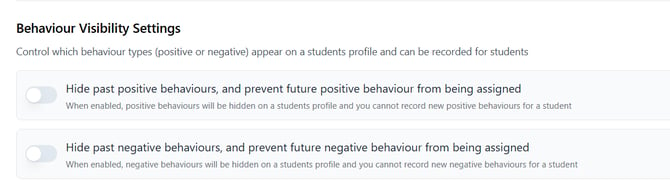
Behaviour Visibility Settings
From here we can click the switches to stop new entries from being created
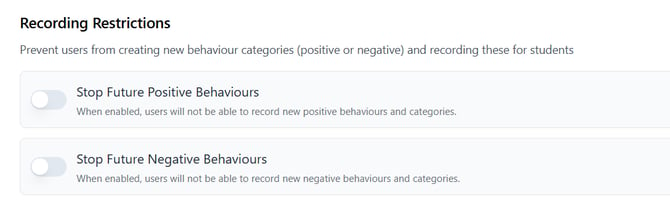
Recording Restrictions
From here we can prevent users from creating new behaviour categories (positive or negative) and recording these for students